
How to Set Pool Pump Timer
Last updated 15 October 2026
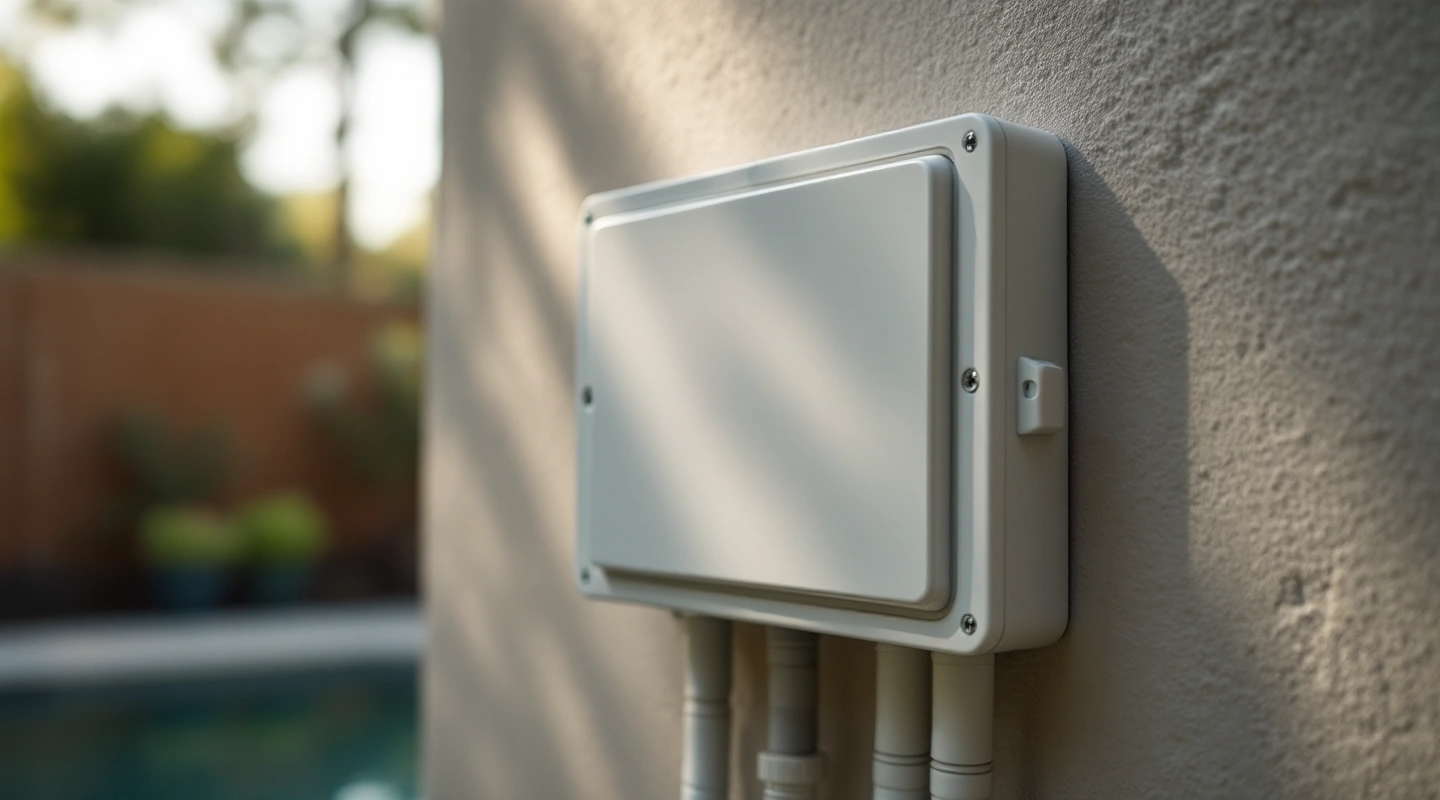
To set a pool pump timer, first identify the exact timer and pump. A mechanical switch sets an ON/OFF window. A digital drive can also assign speeds and run times. Find out which control runs the schedule before you change it. Save the old settings first.
Set the correct clock first. Then enter a schedule that meets the pool's flow and equipment needs. Check AM/PM, overrides and the next actual cycle. The examples below cover the Intermatic T104R dial and archived Pentair SuperFlo VS drive. Other timers may use different steps. Use owner controls only. Leave electrical covers and terminals untouched.
On this page10
- How to set pool pump timer clocks
- Pool pump timer mechanical example: T104R
- Digital example: archived SuperFlo VS clock
- Digital custom schedule on that drive
- Overrides, priorities and overlapping time
- Match accessory operating windows
- Verify the next real cycle
- FAQ
- Related calculations and owner guides
- Verdict on setting a pool pump timer
How to set pool pump timer clocks
Record the timer model and its manual. Check whether an automation panel, external timer or the pump itself runs the schedule. Two active schedules can conflict. Cutting power with an external switch is different from sending a supported speed command.
Write down the present clock and programme before editing. That gives you a way to identify what changed. Do not reset all settings just to move one start time. If the controls or enclosure are damaged, stop rather than reaching past a missing protective cover.
Pool pump timer mechanical example: T104R
The Intermatic T104R instructions, document 154--02039 show the clock dial and fixed pointer. They label the ON/OFF trippers and manual lever too. Use these steps only on a correctly installed, intact unit. Follow the manual's power isolation rules before adjustment or service.
For time of day, the document says to pull the clock dial outward and align the current time with the pointer. Do not move the pointer. Its notice says to rotate the dial clockwise; follow that direction. Release the dial so it re-engages.
Set the ON and OFF trippers at the desired labelled times. Distinguish AM from PM. Use the exact model's tripper instructions and do not overtighten. Intermatic's T100 owner-operation guidance describes the adjustment and compatible trippers.
The manual lever changes the present state but does not cancel the next timed operation. After a power failure, the T104R instructions call for resetting the clock to the proper time. It does not infer lost time from your location. Close the door when finished.
Digital example: archived SuperFlo VS clock
This example uses the SuperFlo VS guide, printed pages 7-9. It is a guide to that archived drive, not SuperFlo VST or an Intermatic digital timer. Match the panel labels before following the sequence.
To set that clock, hold Display for 3 seconds. Use the plus/minus buttons to select a 12- or 24-hour format. Press Display to advance, then use plus/minus to set the time. In the 12-hour format, check AM/PM. Advance through brightness and exit with Display as the manual directs.
Its manual says clock memory lasts up to 24 hours without power. A longer outage requires a clock check and reset. That is a model-specific behavior. Do not assume a different drive has the same backup or automatic daylight-saving function.
Digital custom schedule on that drive
Stop the pump before you set a custom schedule on this drive. The guide says its Start/Stop LED must be unlit.
Press the 1 button to select Speed 1. Use plus/minus to edit RPM. Press 1 again to reach its start time, then again to reach its duration. Watch the parameter LED so you know which field is changing.
Select Speed 2 and edit its speed and duration. Speed 2 begins after Speed 1; it does not have a separate start-time field on this drive. Speed 3 follows in sequence. Do not search for a start-time option that the model does not provide.
The guide says edits made in this stopped programming state save as adjusted. After reviewing all periods, use Start/Stop as directed to enable the schedule. Pressing control buttons can start the motor. Confirm that the water path is ready before enabling operation.
Overrides, priorities and overlapping time
On this SuperFlo VS, selecting a speed while running is a temporary override. The guide describes a return to the appropriate place in the normal schedule after that period. Quick Clean has its own saved settings. Record an override separately from a permanent programme edit.
The drive gives some periods priority if their sum would exceed a day. Making one longer can shorten another. Read the whole schedule again after edits. Do not check just the field you changed.
The separate runtime tool checks your entered time total. Its rows must describe periods that do not overlap.
Match accessory operating windows
Calculate required water movement with the pool pump size calculator, then confirm actual flow. A timer setting cannot prove either. Record the flow needed for heaters, cleaners and other active devices from their manuals.
An illustrative 2-hour high-flow period plus 6-hour low-flow period is a scheduling example only. If the low-flow period misses an accessory's minimum, those hours do not count toward its task. A quiet motor is not proof that the heater has enough circulation.
Verify the next real cycle
Check the displayed clock, enabled schedule state and next ON/OFF transition. Observe water flow safely when it starts. Confirm the expected speed or operating mode. If the motor starts without flow, use the priming procedure and stop dry operation.
Measure energy only after the schedule works as intended. The kWh calculator needs measured input watts and actual operating periods. Fewer programmed hours do not establish a saving if an override or another controller keeps the pump running.
FAQ
Should I change the clock for daylight saving?
Check the exact manual and displayed local time. A mechanical dial does not find your time zone. A digital control may or may not adjust by itself. Check the next running window after you change the clock. Make sure the pump still serves each device for the time it needs.
Why does the pump ignore its stored schedule?
Check whether an override, external control or disabled run state is active. The archived SuperFlo VS has separate external-control behavior. Other drives differ. Record the display and controller state before changing anything. Do not disconnect control wiring to test a theory from this guide.
Related calculations and owner guides
Need a replacement control rather than help with the existing clock? Use the digital pool pump timer comparison to separate a bare mechanism from a complete enclosure before ordering.
Verdict on setting a pool pump timer
Use the model's instructions to set a pool pump timer. Check the clock and use a workable duty schedule. Review the complete programme and observe its next cycle. These are owner-operation examples, with no electrical installation steps.